Most days the hard part is opening the laptop.
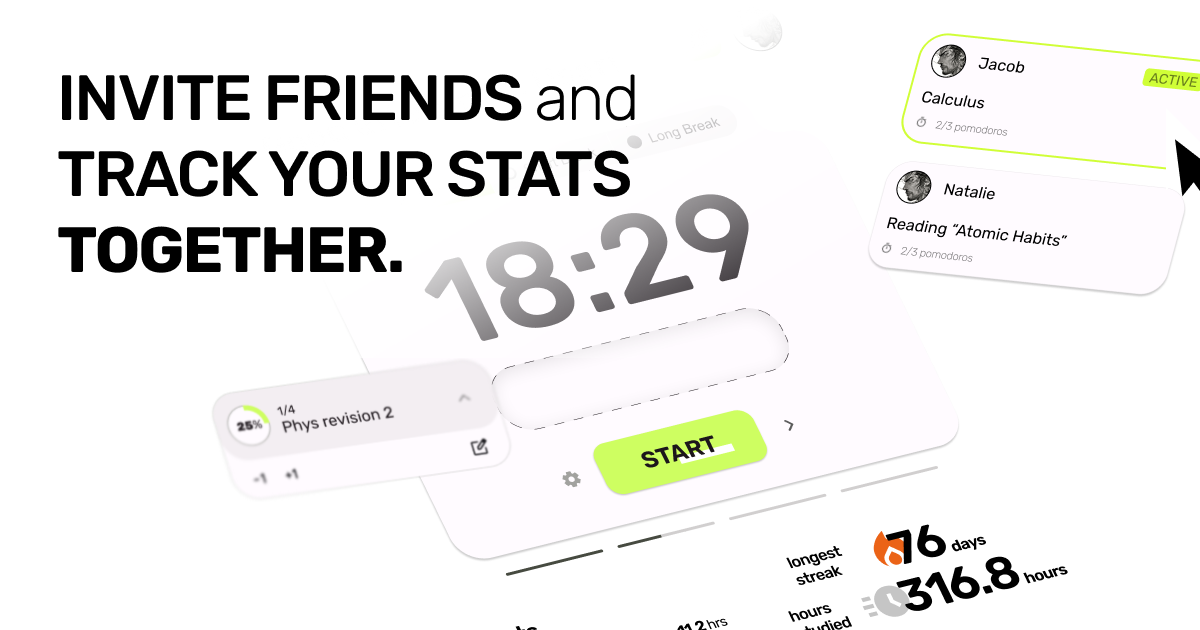
The timer above this line already works, no account needed. Set it to five minutes if that's all you've got in you. Sign in and your friends can see it running, and that turns out to be the part that keeps people coming back.
Free, all of it. No card, no trial countdown, no locked features.
How it works
-
Dump your tasks in the sidebar
Everything you keep meaning to do, in one list, where it can stop taking up space in your head.
-
Drag one onto the island
That's the thing you're doing now. The rest of the list can wait its turn.
-
Start it. Five minutes counts.
Anything from 1 to 90 minutes. You can quit when it rings. Most people keep going.
It only tracks whether you sat down
Focus time, your current streak, tasks cleared, and a year of squares filling in behind you. Tag sessions by subject and you can see where the hours went. Nobody grades the quality. Showing up is the data.
Guest sessions stay in this browser and go no further. Sign in and they start counting.
Breaks are where the day goes
No more drifting off during the 5 minute break. Two things here are built for that.
Run two blocks straight through
Turn auto start on and the next block begins by itself. The count runs in a background worker, so switching tabs or minimising the window doesn't slow it down.
Phone face down, timer still running
Leave it face down and the session carries on. When the next block is due it buzzes short, short, long. The long one means go.
And when you do take the break, get up. Water, dishes, the dog, a lap around the building. Anything that isn't a feed.
Take the option away
Focus Guard is a Chrome extension. It drops a shield over your usual suspects the second a session starts, and it keeps your scroll position and your chat history, so nothing is lost when the timer rings.
In the app you can hide the sidebars while you focus, write your own not-to-do list, and leave the Focus Police on to catch you wandering.
"Pomodoro doesn't work for me"
Fair. For a lot of people the timer goes off right as focus lands, and then it's gone. So don't run 25/5. Focus blocks go from 1 to 90 minutes, breaks from 1 to 30, and the long break lands after however many rounds you say.
You wouldn't run a 5k without warming up. Start the term at 10/10 and work up to 50/10 by finals. Auto start the next block, or don't.
What is the Pomodoro Technique?
Francesco Cirillo named it after the tomato shaped kitchen timer he used at university. The method is simple: work in a focused 25 minute block, take a 5 minute break, then go again. After four blocks you take a longer one. There's nothing magic about 25. A clock already running makes it easier to start, and a break coming makes it easier to finish.
Tomodoro adds people. A kitchen timer can't tell anyone whether you showed up.
Questions people actually ask
- Do I need an account to use Tomodoro?
- No. The timer and task list at the top of this page work right now. An account is what saves your stats and connects you to friends.
- Is Tomodoro free?
- Yes, all of it. No card, no trial countdown, no feature locked behind a shiny button.
- Do I need to download anything?
- No. Tomodoro runs in your browser. The Chrome extension that blocks distracting sites is optional.
- Can I change the 25 minute length?
- Yes. Focus blocks run from 1 to 90 minutes, breaks from 1 to 30, and the long break lands after however many rounds you say. 25 is the classic, not the law.
- The Pomodoro technique has never worked for me. Why would this?
- Because you don't have to run 25/5. Warm up at 10/10 and work up to 50/10 as the term gets heavier, or set five minutes and quit when it rings. Most people keep going. The ones who don't still logged five minutes more than yesterday.
- Do my friends see my actual tasks?
- They see the one task you put on the island, and only while a session is running. Your other tasks stay yours.